Programming · Aug 2026 to now · ongoing
Live Tuning
It's software for tuning a VEX robot while it runs, so you can change a gain and watch the robot respond straight away. It started as a dashboard cabled to the Brain and grew into a wireless system.
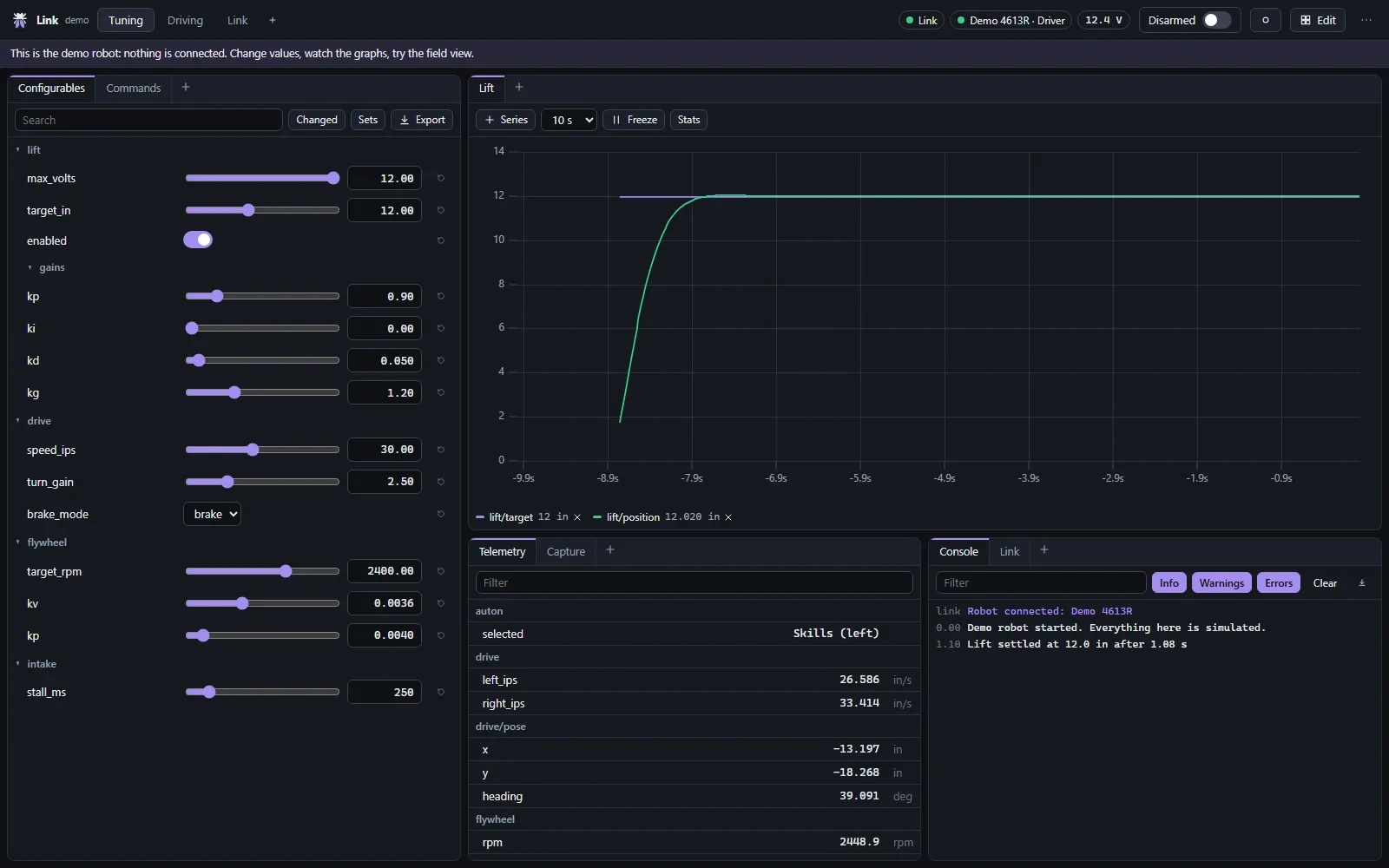
Minutes between every try
Tuning a VEX robot meant changing a number, recompiling the whole project and uploading it again, which took minutes for every try. FRC and FTC teams change values live and watch the robot respond, and I couldn't see why VEX shouldn't.
The hard part was getting numbers in and out of a running robot safely, in a way any team could drop into their code. The dashboard came after that.
What it needed to be
- Change a value while the robot runs and see the effect straight away.
- Simple enough that a team adds a tunable in one line.
- Nothing changes unless the robot's own code accepts it.
How it got here
01
Prove it with software first
Version one was just a dashboard and a robot library over the USB cable. It showed the idea was worth it before I spent anything on hardware.
02
One line to tune a value
Adding a tunable is one line in the robot's code. If it took more than that, teams wouldn't bother.
03
Trust testing over documentation
The documentation said the controller's radio could carry data both ways. Testing showed it couldn't, and that finding is what led to building hardware for version two.
04
Plug into tools teams already know
I made it speak NetworkTables, so AdvantageScope connects to a VEX robot the same way it does to an FRC one. That saved building an analysis tool of my own.
05
AI where it helped
AI wrote most of the dashboard interface. The protocol I designed myself, because it depends on how the real hardware behaves, which only testing could show.
Two dashboards
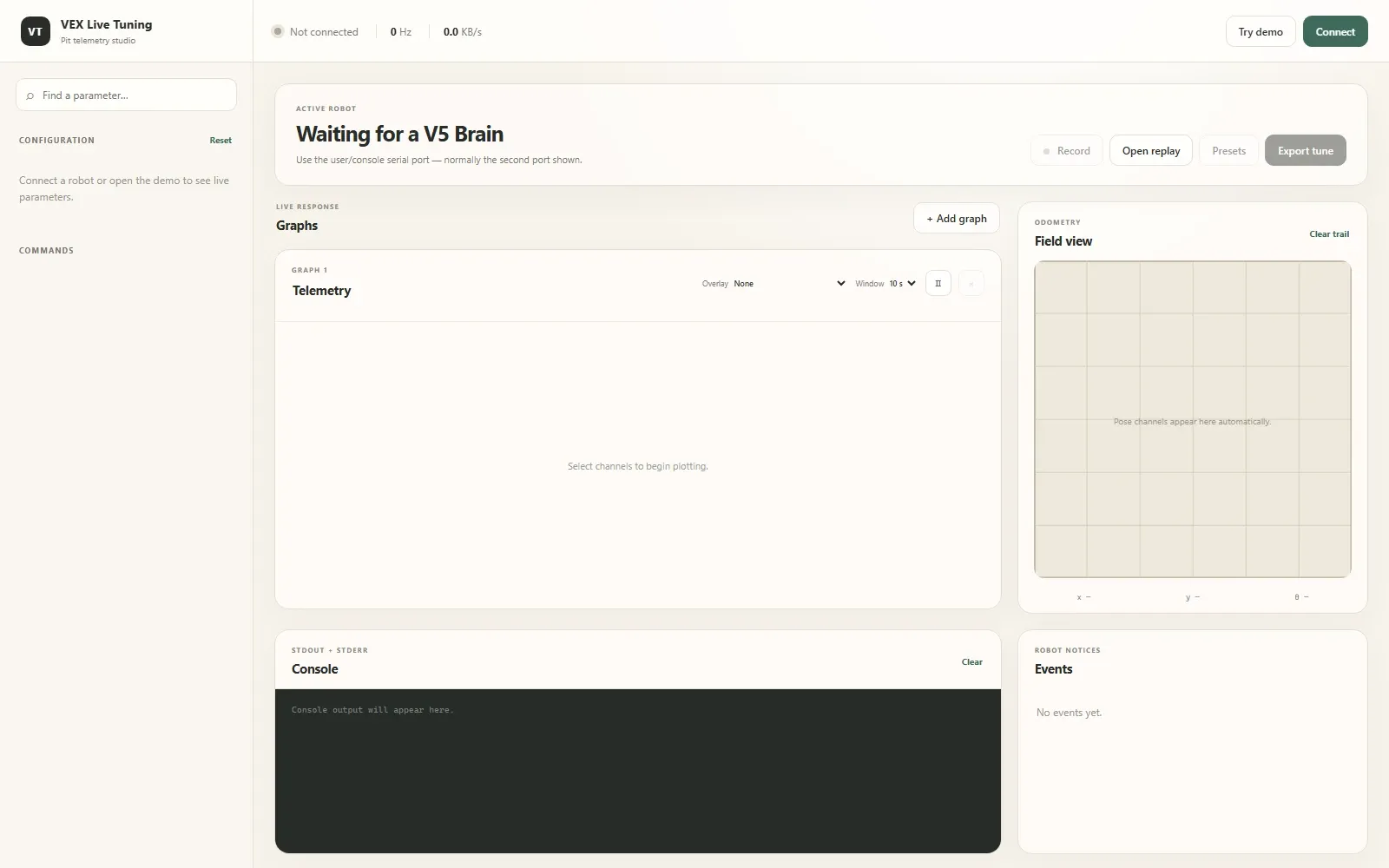
01
Version one, waiting for a cable
Version one needed a laptop plugged into the Brain, which is fine on a bench and awkward on a robot that's driving.
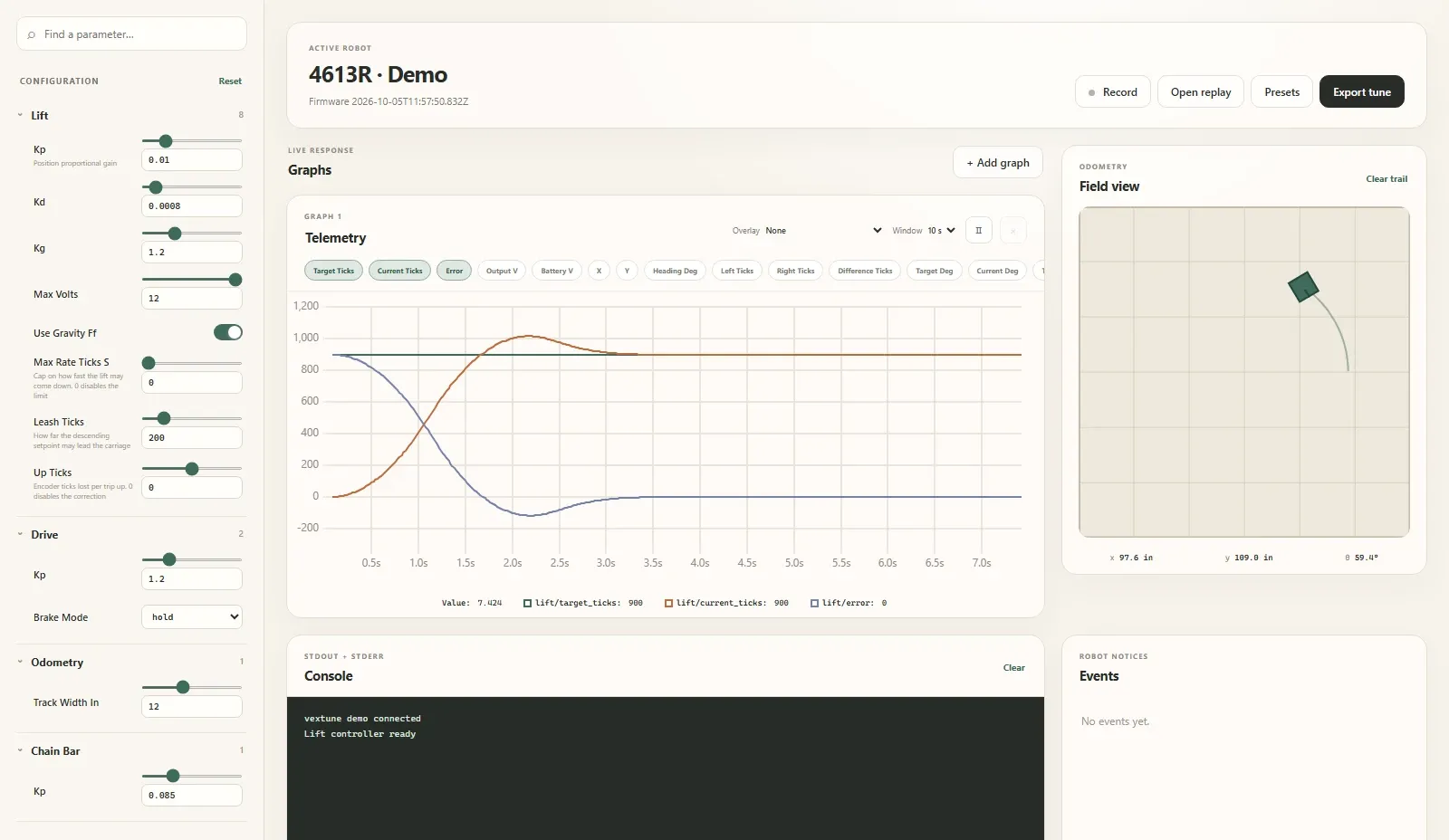
02
Tuning a lift live
Every tunable becomes a slider, next to a live graph, so you see the effect of a change straight away.
03
Version two, tuning over Wi-Fi
Version two does the same over Wi-Fi, with panels you can arrange however suits the mechanism you're tuning.
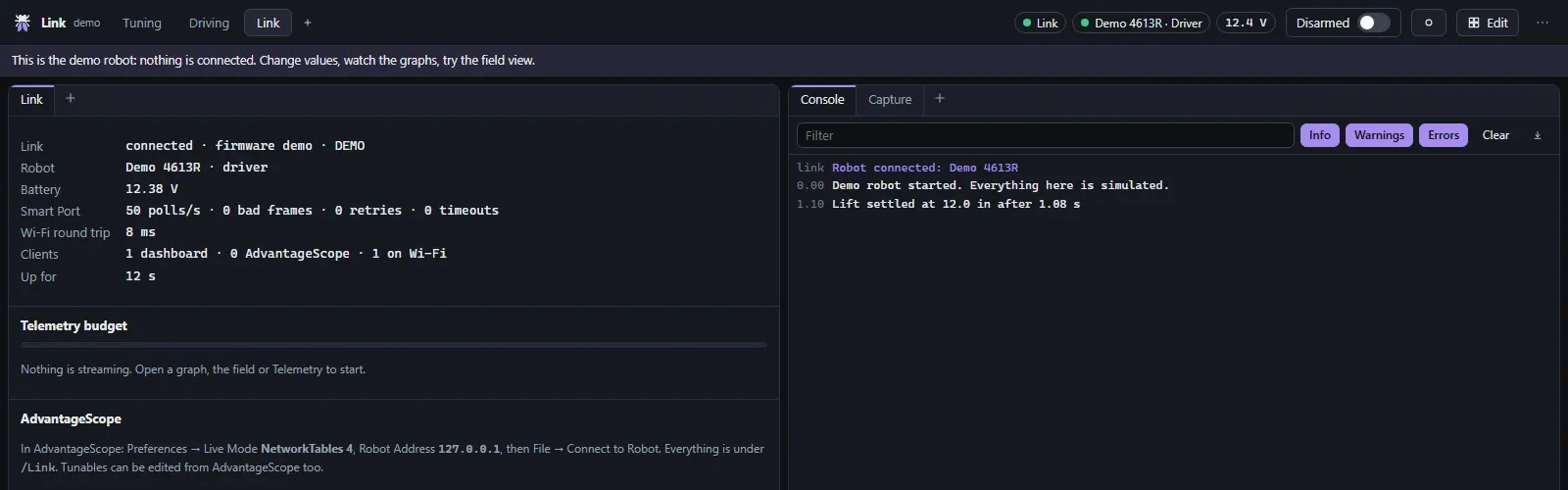
04
Knowing the link is healthy
With wireless, you need to trust the link, so the dashboard shows its health at every step.
On the V5 field
The same data shows up in AdvantageScope. This is 4613R’s test chassis driving a route on the 3D Override field.
Read about the hardware on the V5 Wireless Tuning Bridge page.