Programming · Jun 2026 to Aug 2026 · finished
Mini Golf Arcade
It's a small mini golf game I made for a Year 9 Computing assignment in Small Basic. It got full marks.
- Full marksResult
- Small BasicLanguage
- 4Holes
A small one
This was a school assignment, so it's not a big project. I'm including it because I liked making it and it got full marks.
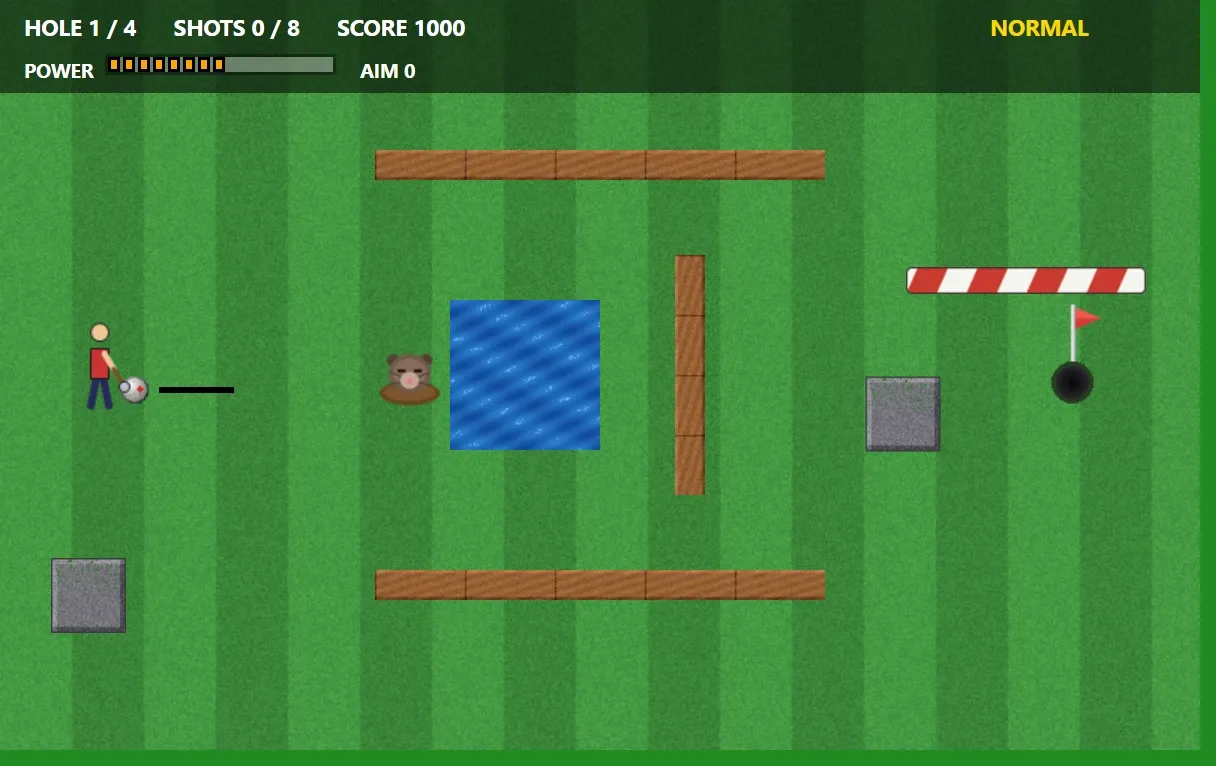
The game is mini golf over four holes. You aim with the arrow keys, set the power and press Space to swing. Water, rocks, walls, a sliding barrier, a mole and a windmill get in the way, and each hole has a limited number of shots.
What it had to do
- Be fun to play, with a clear goal and a score.
- Get harder as you go, with Easy, Normal and Hard modes.
- Give clear feedback on every shot with sounds and messages.
How I made it
01
Get it playable early
I had the holes working in June, then added the start screen and sprites in July. Most of the game came together in the few days before it was due in August.
02
Make it feel like an arcade game
I added animated characters, sound effects and a saved top five leaderboard so people would want another go.
03
Test every hole
I checked that every hole could be finished on every difficulty before I handed it in.
In the game
01
The start screen
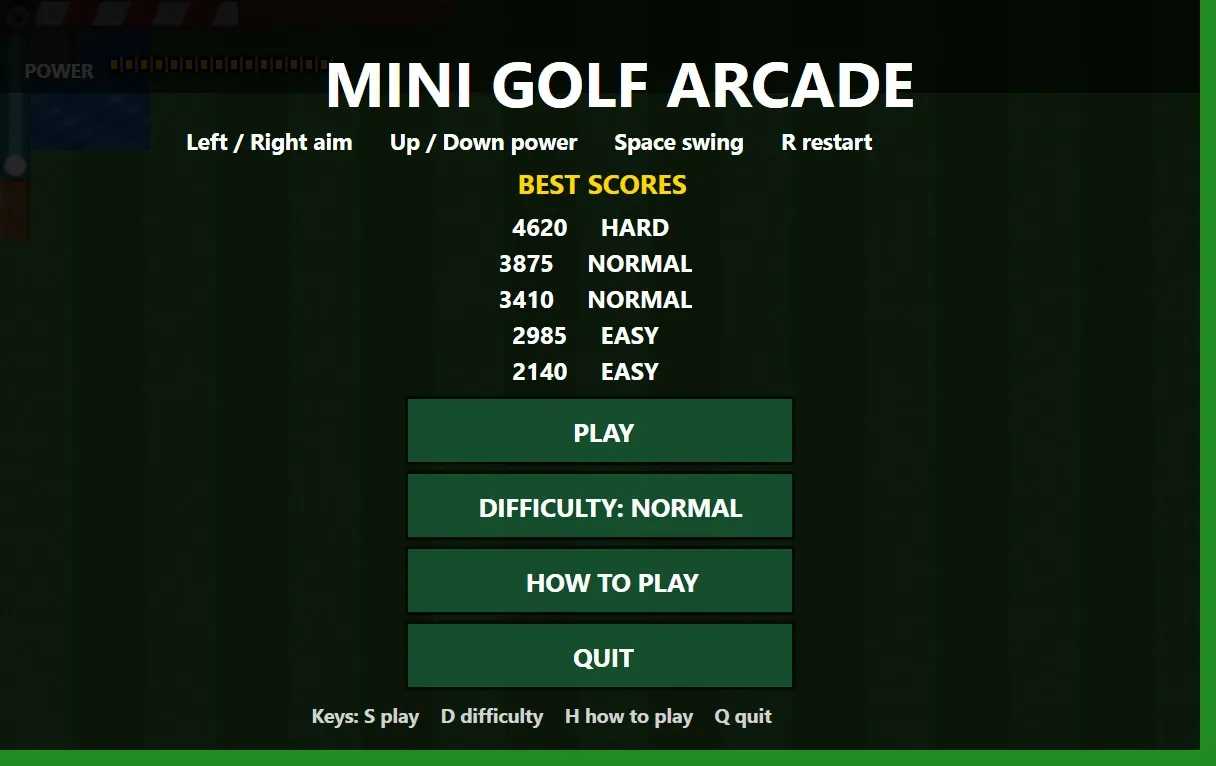
The menu shows the controls and the top five scores with the difficulty each one was set on. You can change the difficulty here before you play.
Example scores
02
Setting the power
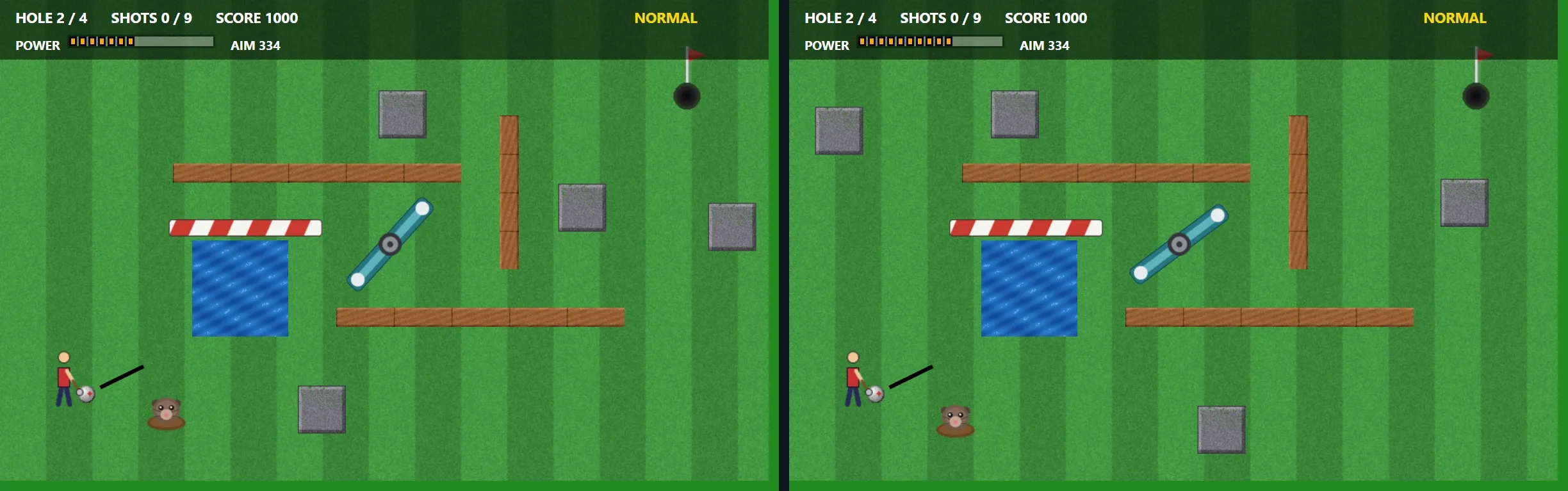
The arrow keys change the aim and the power before each shot. The power bar at the top fills up as you hold Up, so a full bar hits the ball much further.
Lower power on the left and nearly full power on the right
03
Moving hazards
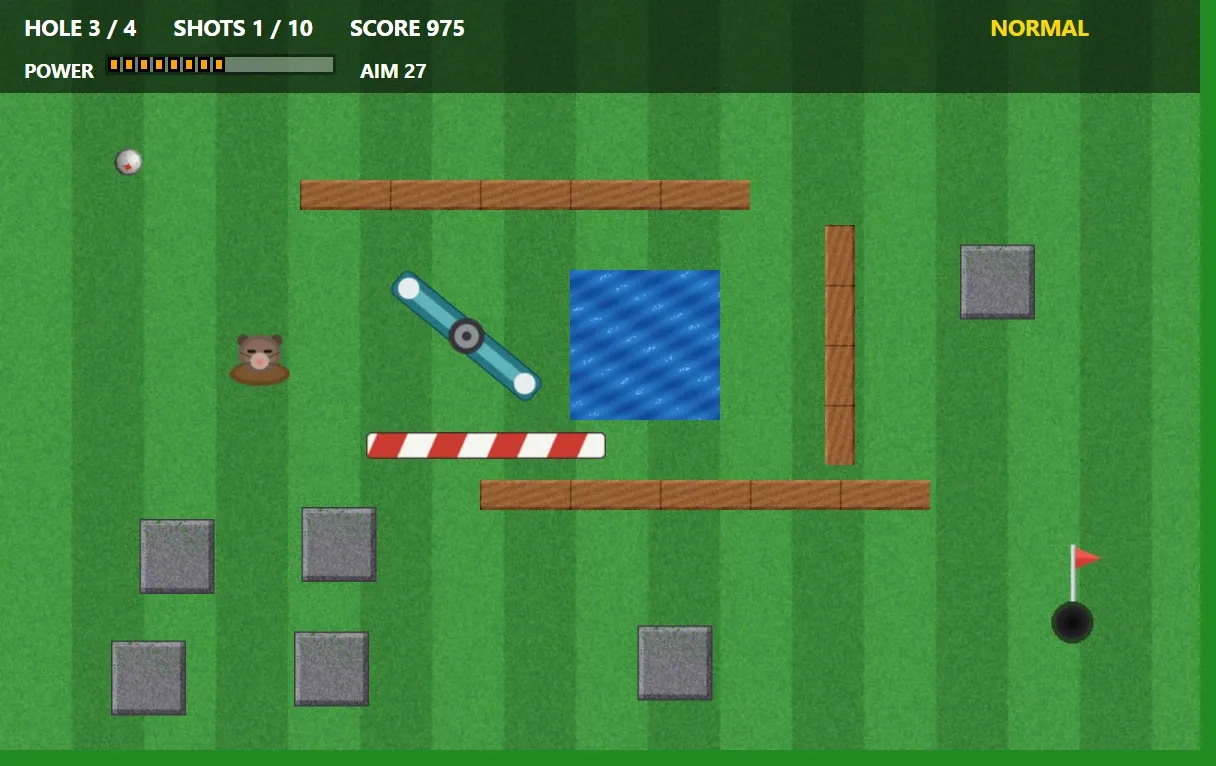
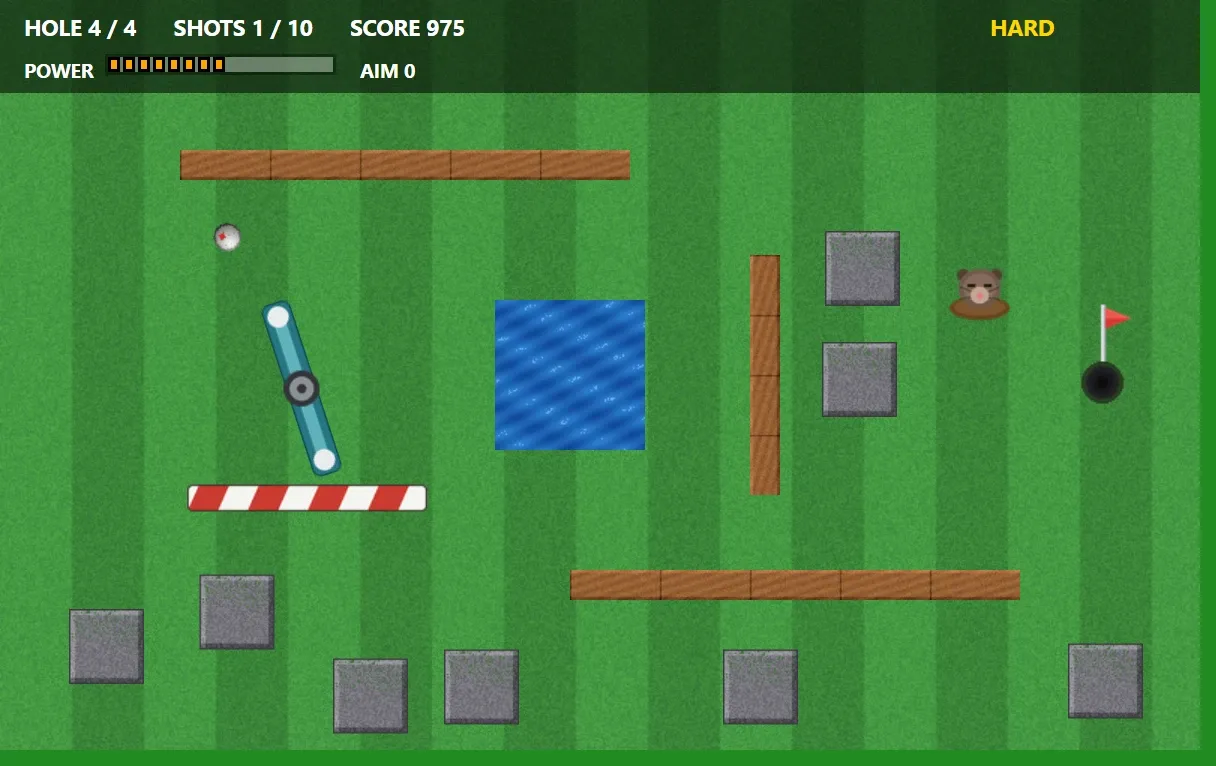
Later holes add more rocks and moving hazards. The windmill spins and can knock the ball away, so the timing of a shot matters as much as the aim.
04
The last hole on Hard
Hard mode makes the hazards move faster, but the final score is worth more.
05
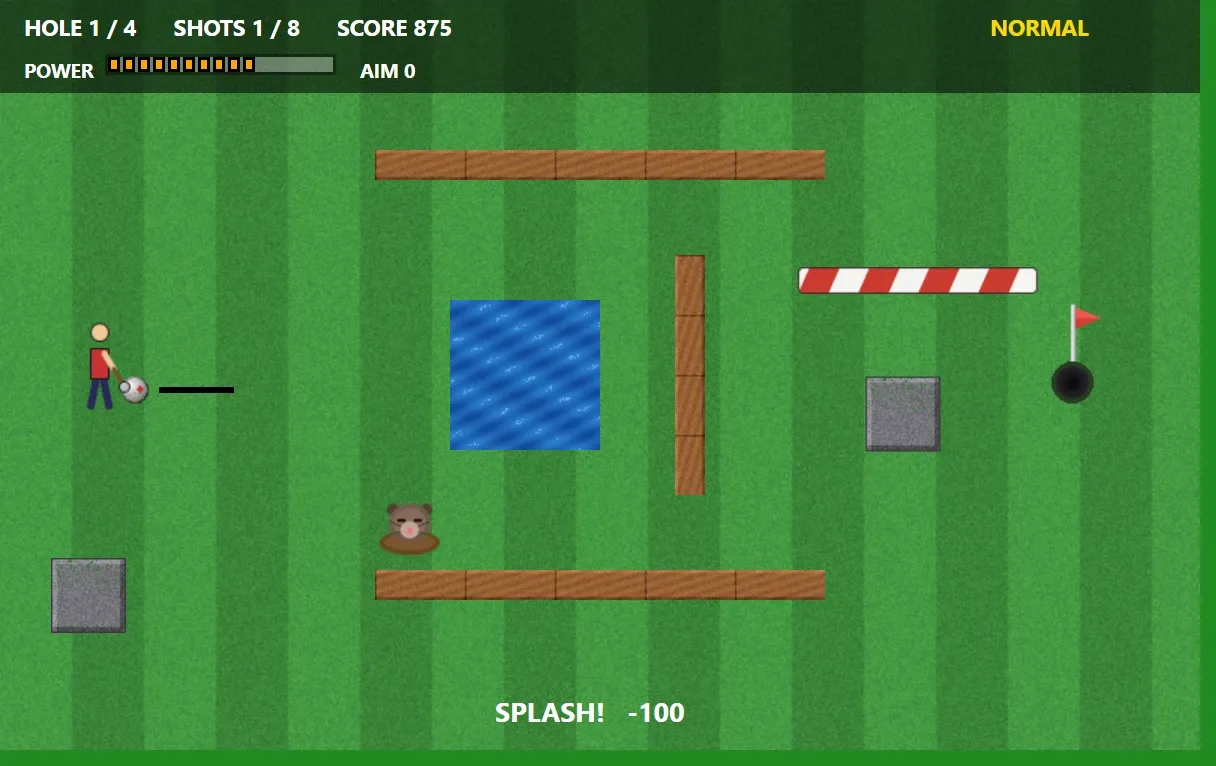
Into the water
Hitting the water costs 100 points and sends the ball back to the tee.