Robotics journey

Current · Selected workYear 9: Programming for HoustonFTC DECODE · 11148 Barker Greybacks · Lead student programmerJump to it
Seasons
4
Robots
12
Awards
12
  1. Year 6

    2023-24 season

    VEX IQ · Full Volume · 4613R

    The year I found robotics

    My role Lead designer and lead programmer

    This was my first year of competitive robotics. I'd built robots before, but this was the season it clicked. We qualified for States, then Nationals, then the World Championship in the USA, with a new robot for each step.

    3 robots this season
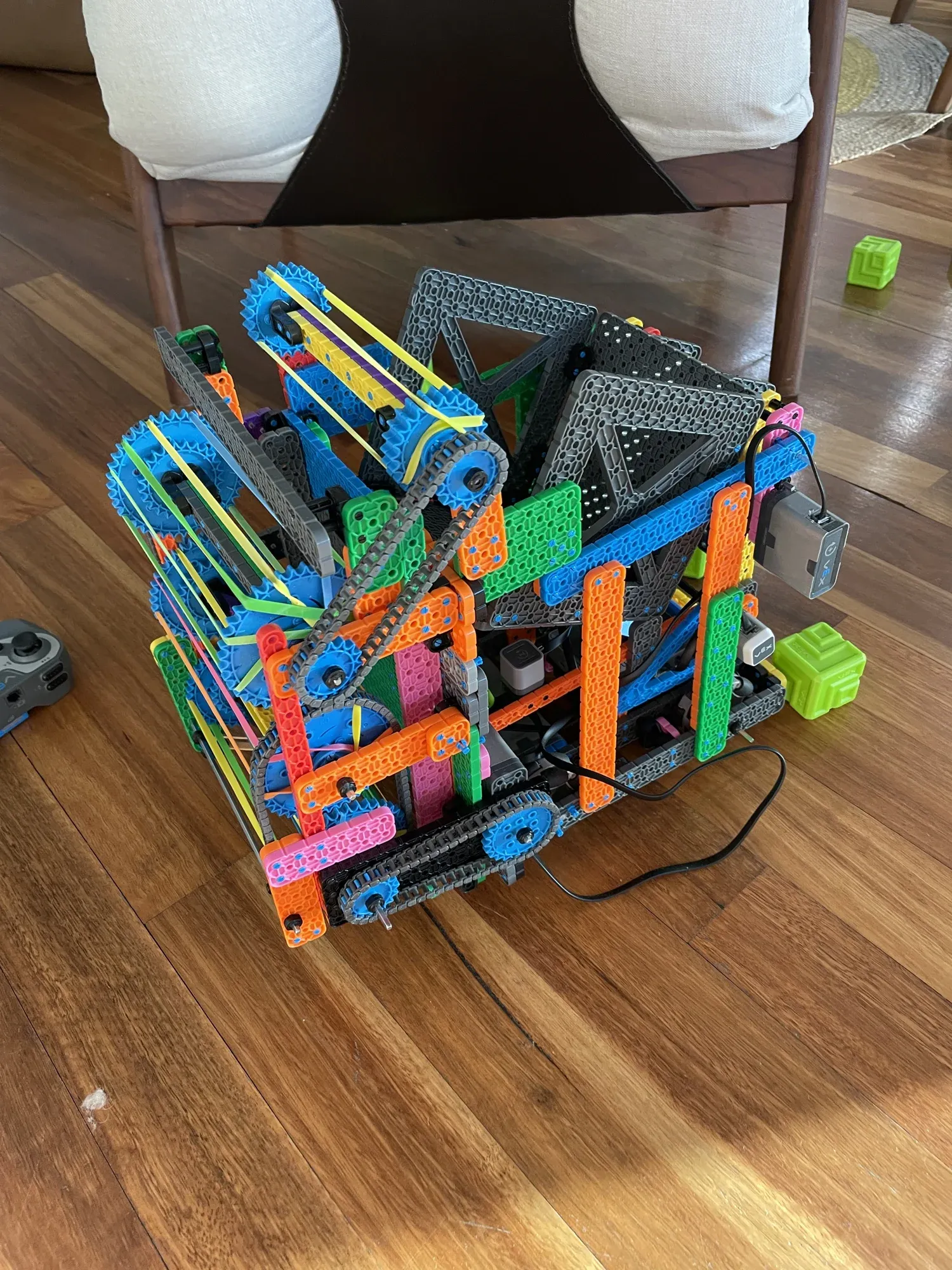
    1. A colourful VEX IQ robot with orange, blue and green beams, with green Full Volume blocks beside it.

      01

      States and Regionals robot

      It was a simple, consistent robot with a reliable intake, and it worked well in matches.
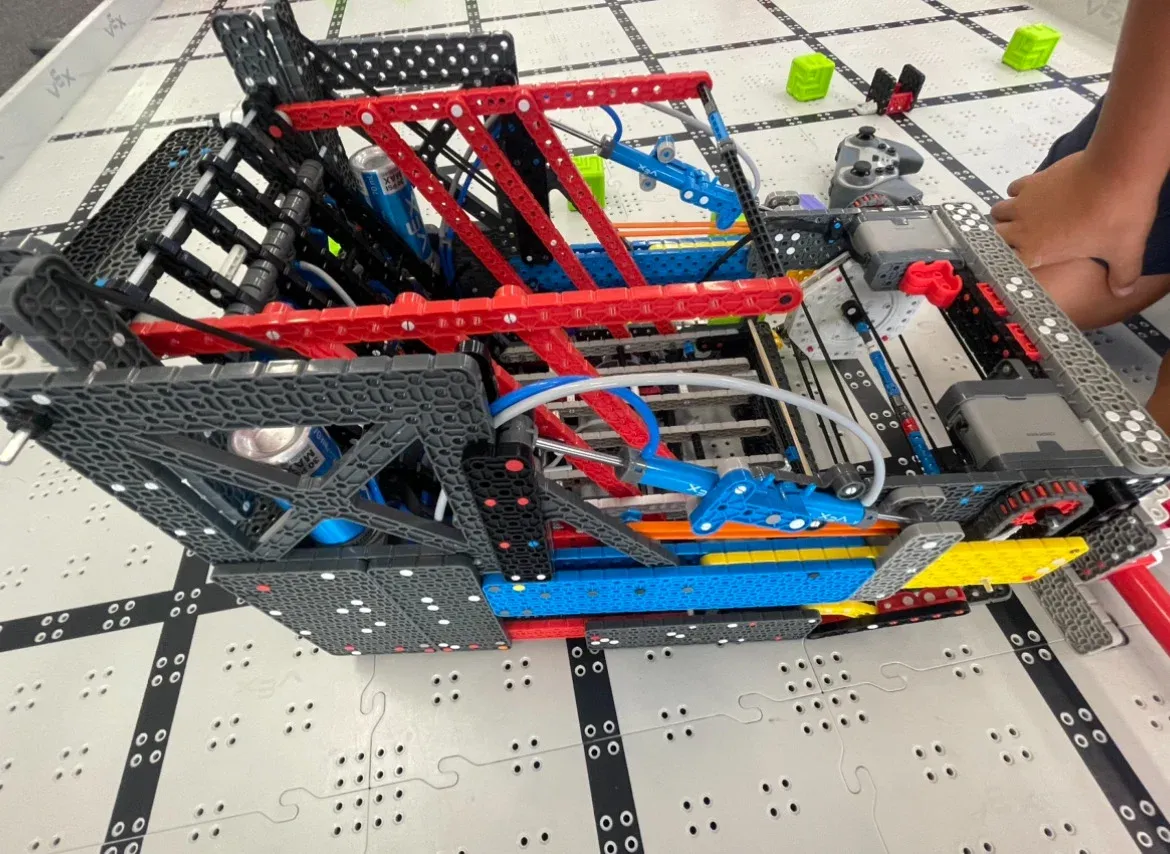
    2. A VEX IQ robot with red and black beams on a Full Volume field, with green blocks behind it.

      02

      Nationals robot

      We rebuilt it around the new VEX IQ pneumatics. It was too big a change right before Nationals, and it didn't go well.
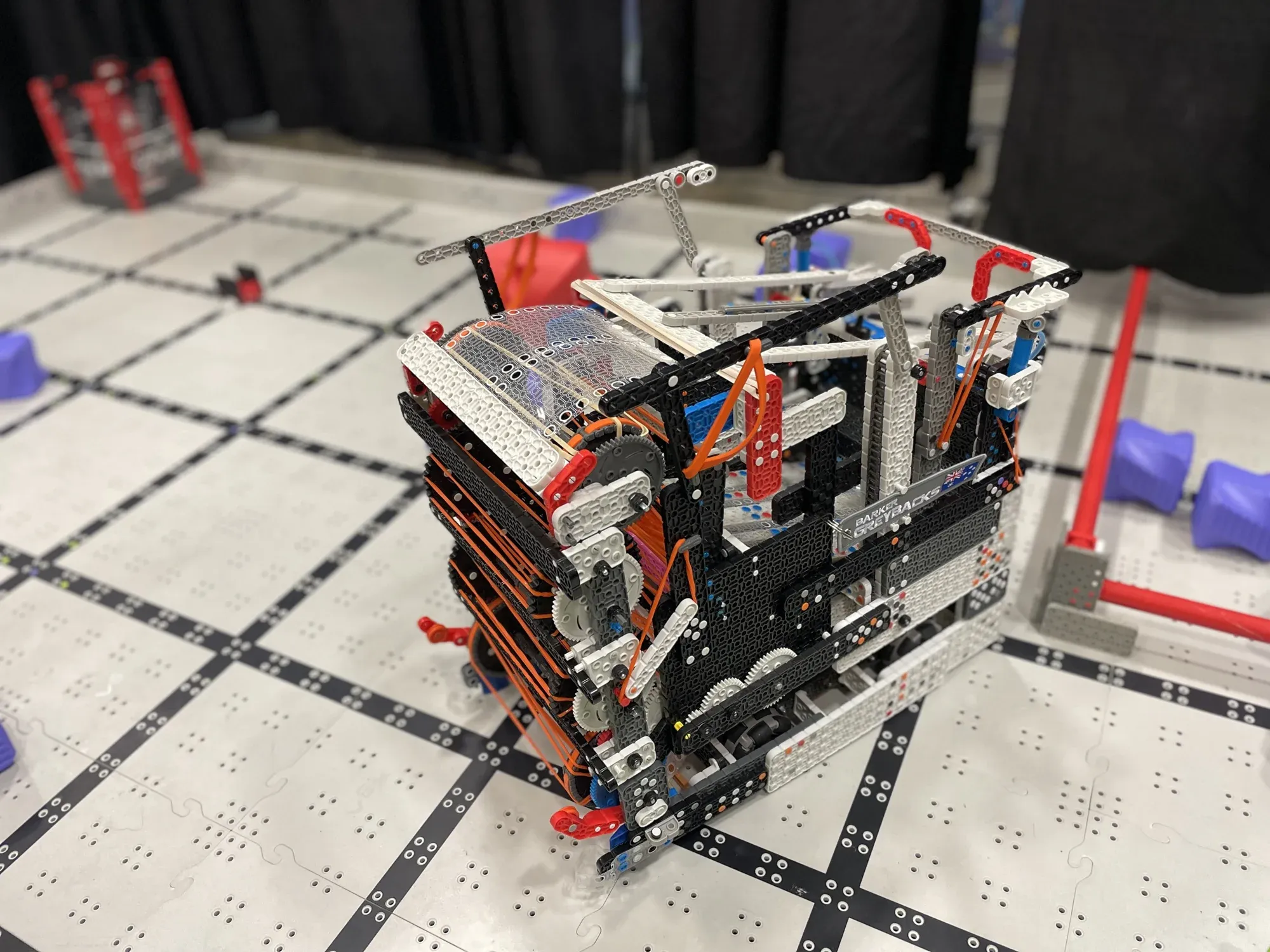
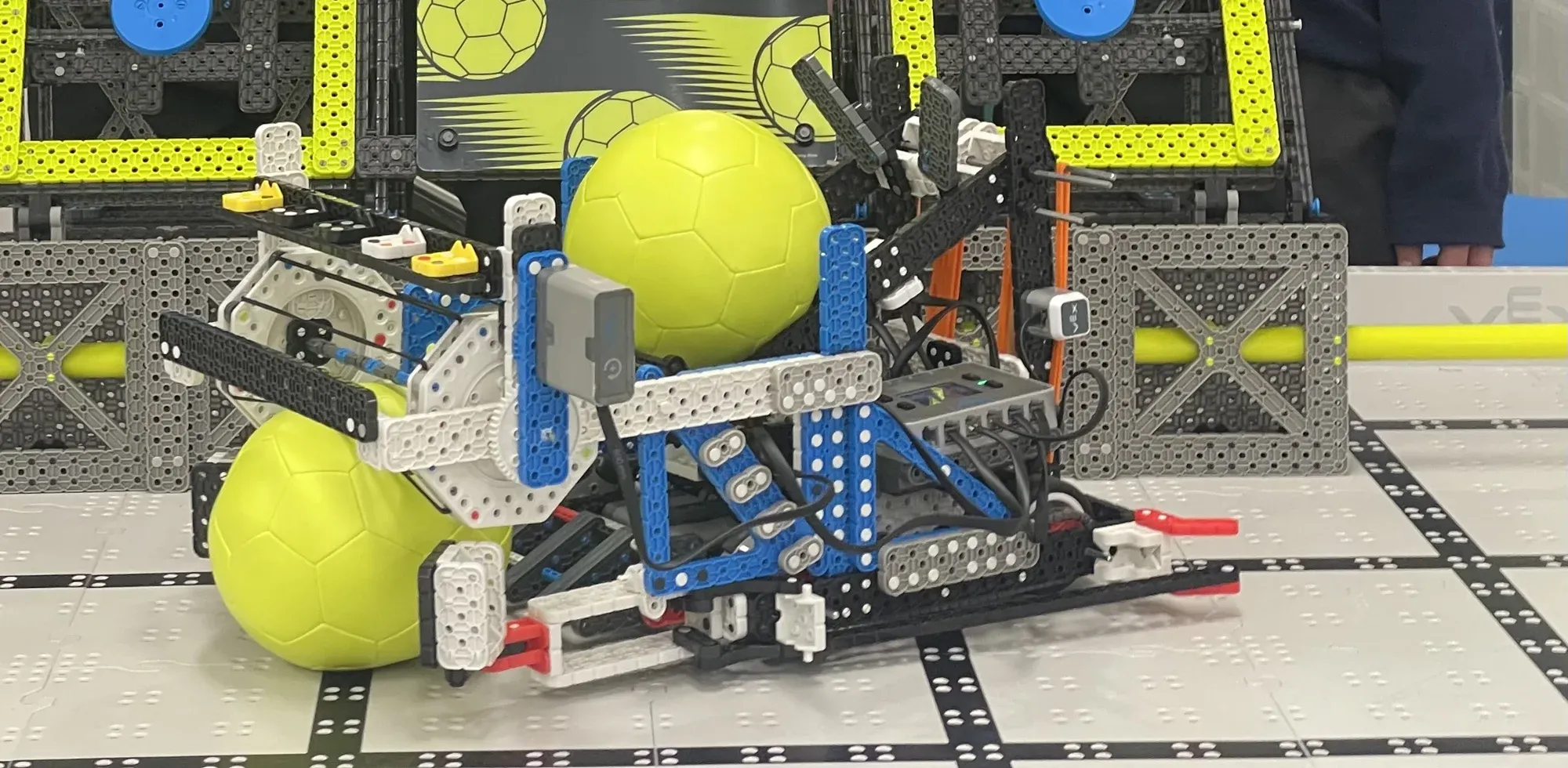
    3. A black and white VEX IQ robot on a competition field with red field elements.

      03

      World Championship robot

      It was a two-stage robot that could score every way the game allowed. This is the one we took to America.

    Awards and milestones

    • Build AwardNationals
    • Top 15 in Australia for Robot SkillsRegionals and States

    What changed

    Our most dependable robot was the one with the fewest ideas in it. Trying brand-new parts right before a big event taught us to test early or not at all.
  2. Year 7

    2024-25 season

    VEX IQ · Rapid Relay · 4613B

    Above and beyond

    My role Lead designer and lead programmer

    This season was more competitive than the last. We started simple, tried something risky at States and finished with one of the fastest robots at the competition.

    4 robots this season

    1. A VEX IQ robot holding two yellow balls on the field.

      01

      Locals robot

      It was a simple robot that worked really well. It set the Robot Skills world record early in the season.

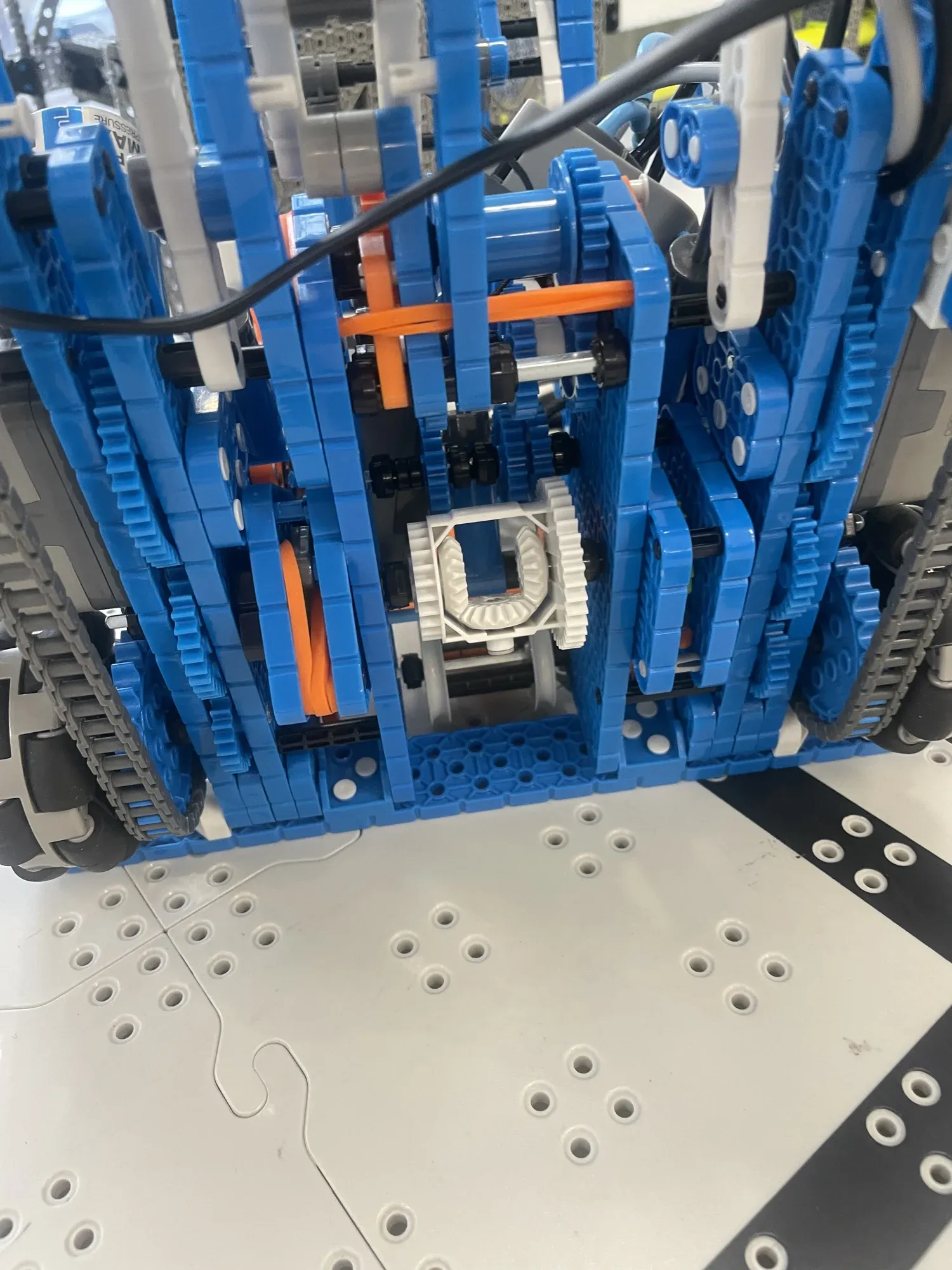
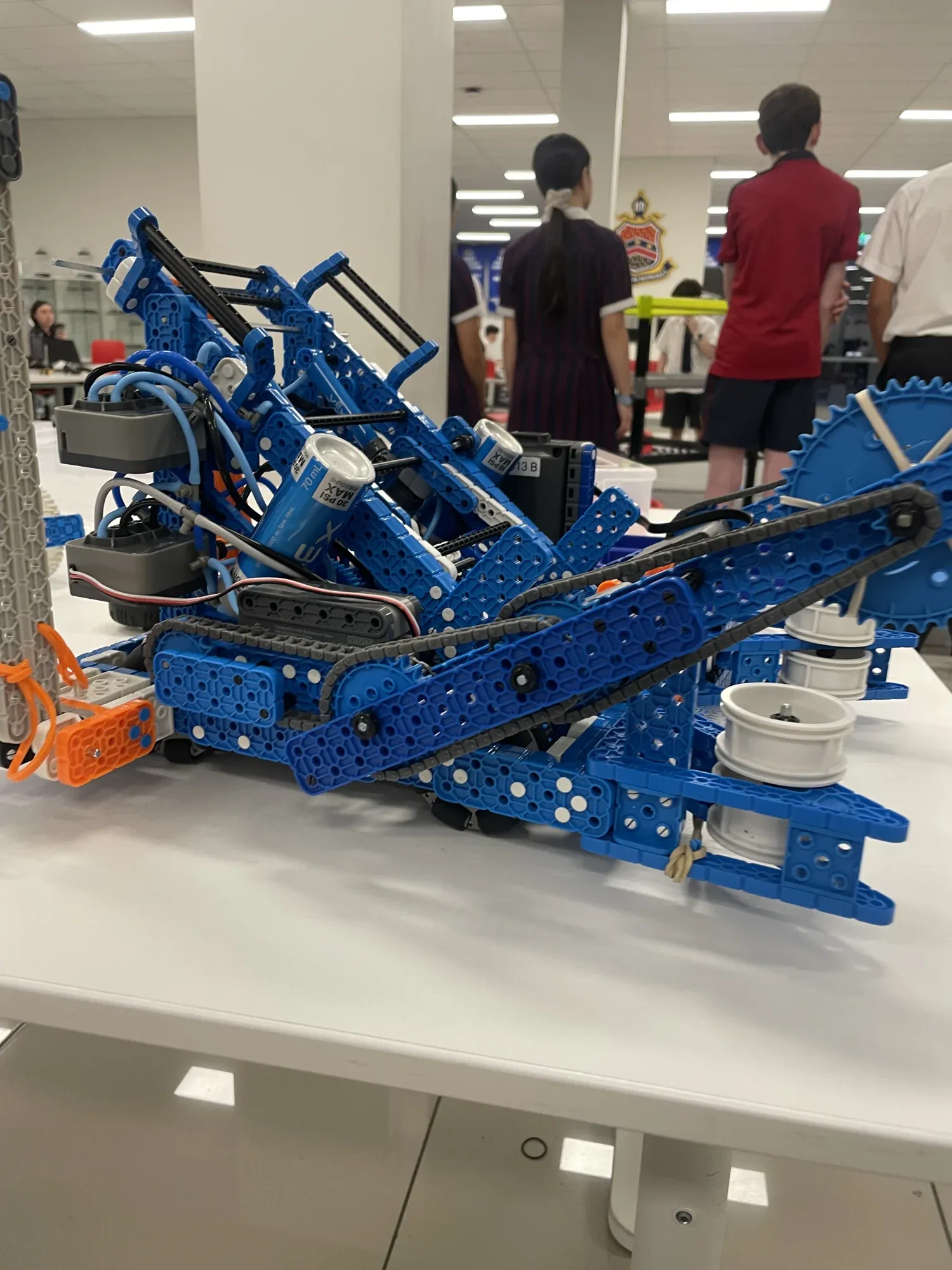
    2. A blue VEX IQ robot with a tracked intake sitting on a table.Close-up of the robot's blue differential drive, with tracks on both sides.

      02

      States robot

      It had a differential drive and could drop a catapult on the field as a second robot. We ran out of time to get it working.

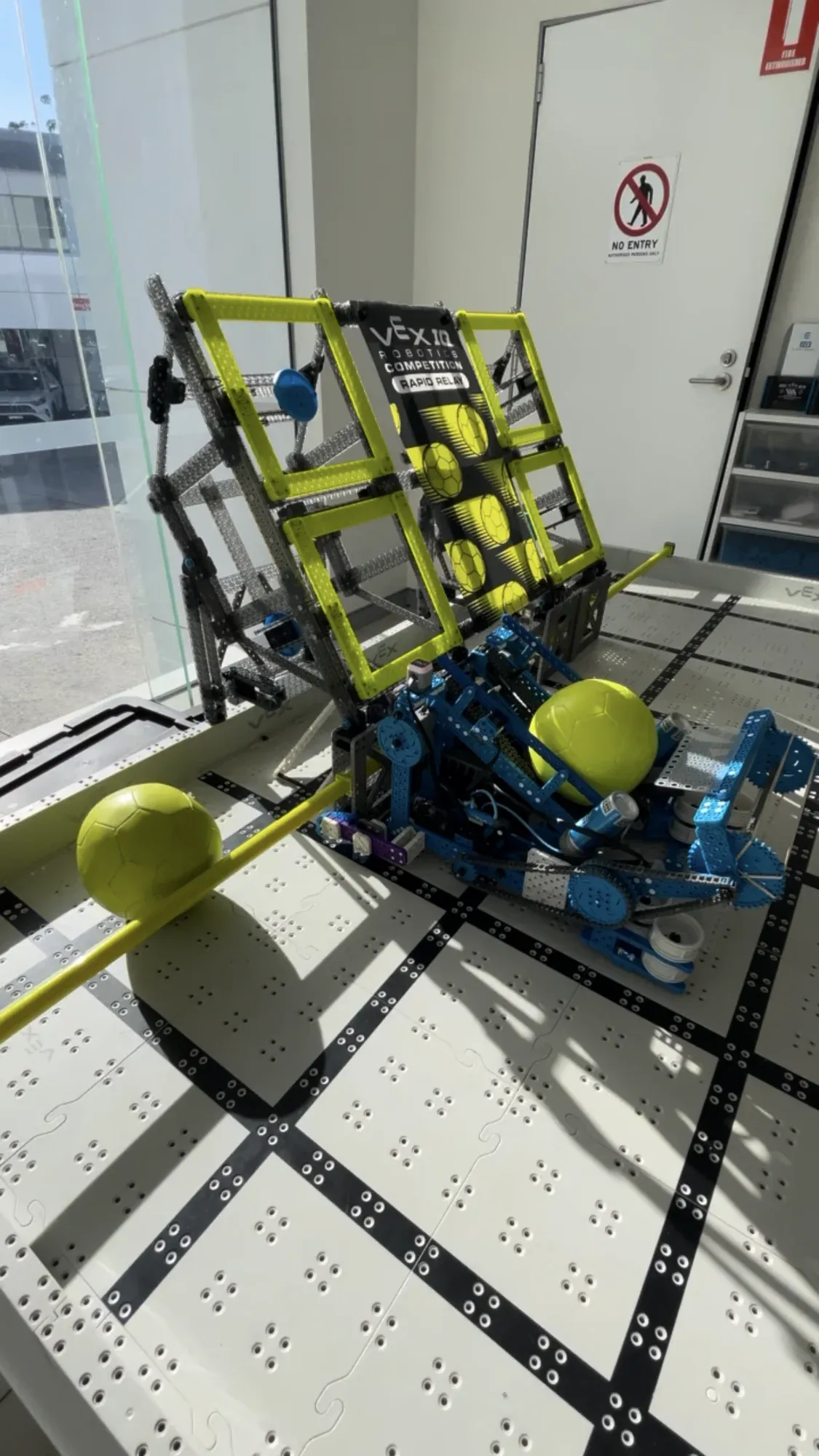
    3. A blue VEX IQ robot on the Rapid Relay field beside the yellow goal, with yellow balls around it.

      03

      Nationals robot

      It had one of the fastest cycle times at the competition, but our drivers didn't get enough practice with it.

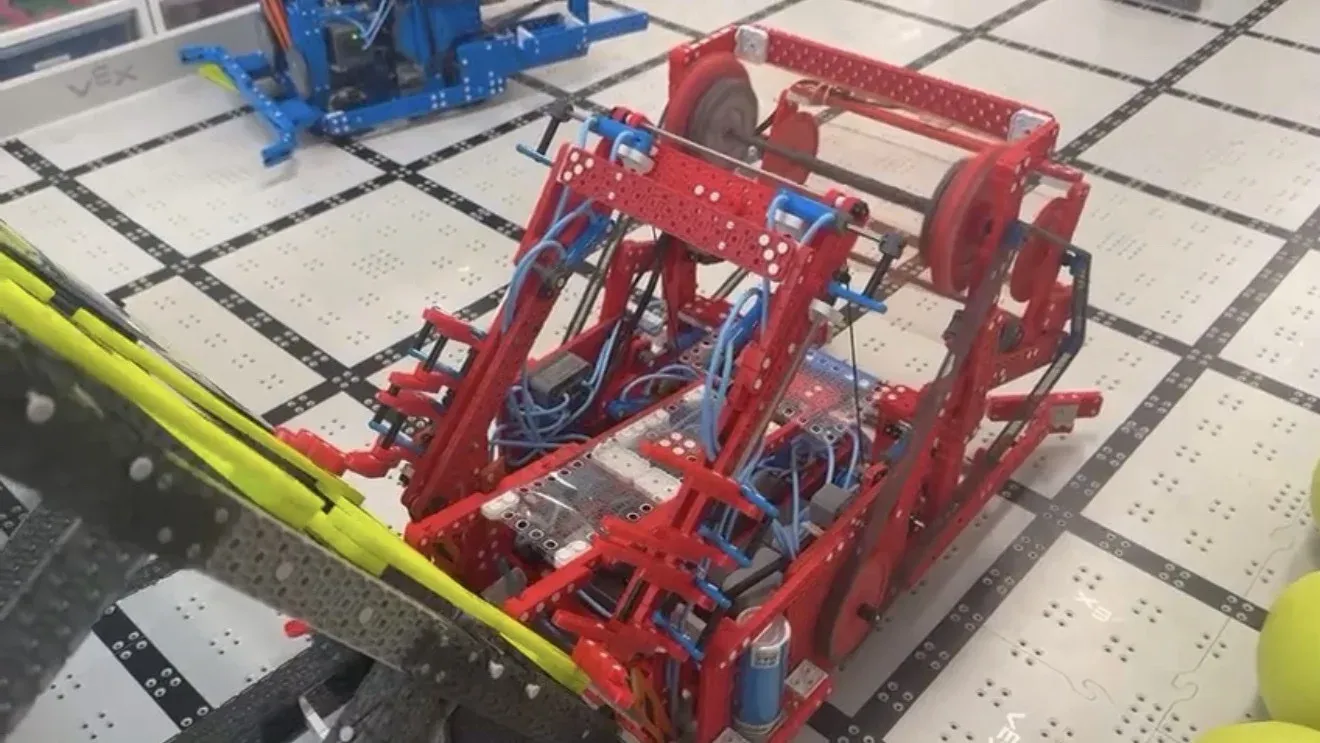
    4. A red VEX IQ robot on the Rapid Relay field.

      04

      World Championship robot

      It was our best-built robot of the season, and it had a really fast cycle time.

    Awards and milestones

    • World record, Robot SkillsEarly season
    • Excellence AwardRegionals
    • Teamwork Champion, twiceRegionals
    • Robot Skills ChampionRegionals

    What changed

    The catapult idea needed more time than we gave it, and the Nationals robot needed more driving than we gave it. After this season we planned build time and drive practice together.

  3. Year 8

    2025-26 season

    VEX V5 · Push Back · 4613G

    My first V5 season

    My role Lead designer and lead programmer

    This was my first V5 season. We kept the same idea all year, and what changed between our two robots was how well they were built.

    2 robots this season

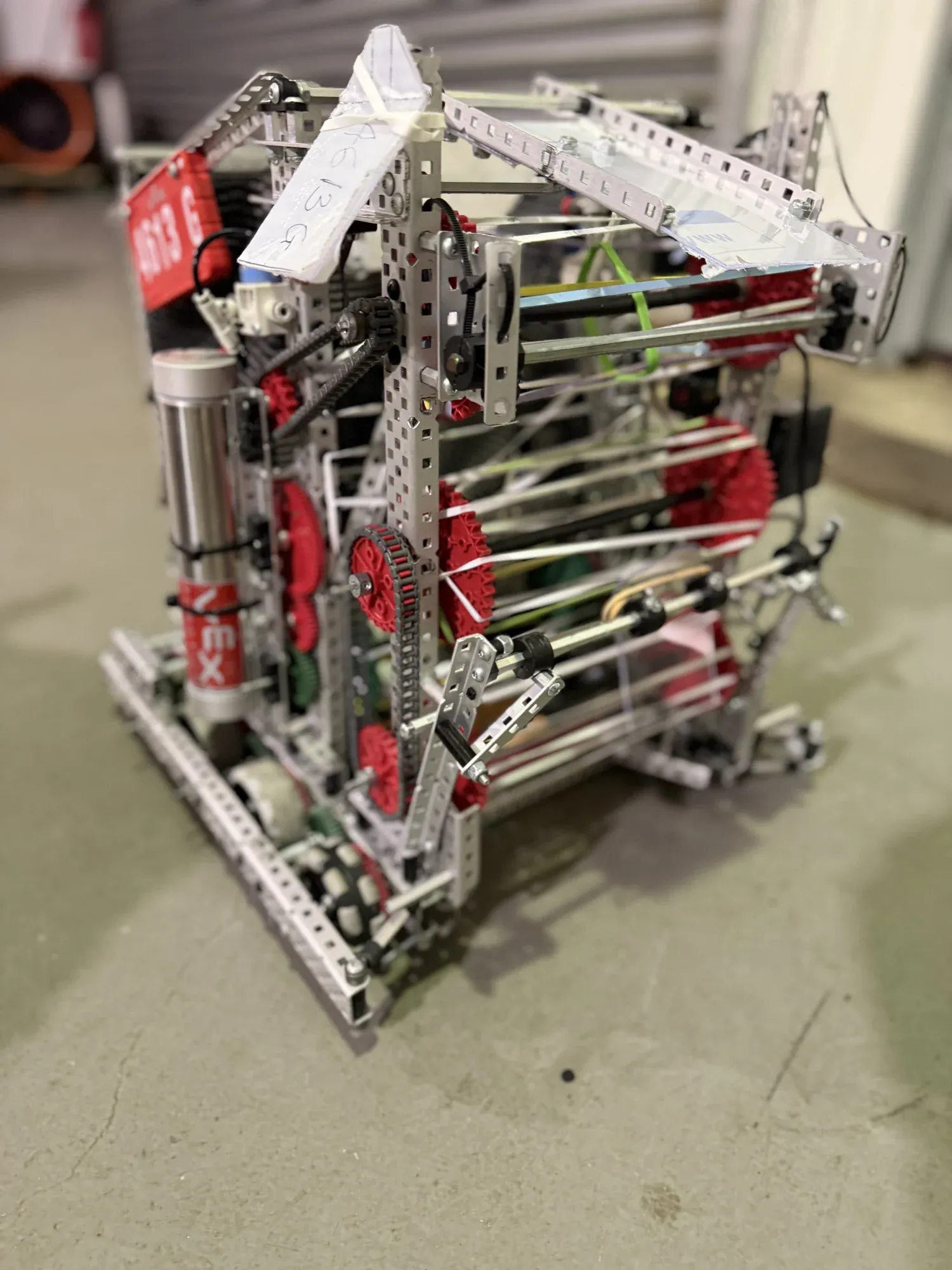
    1. A VEX V5 robot with red flex wheels and a metal frame, with the 4613 team plate on the side.

      01

      Regionals and States robot

      It used a hopper design. It worked well, but it was poorly built.

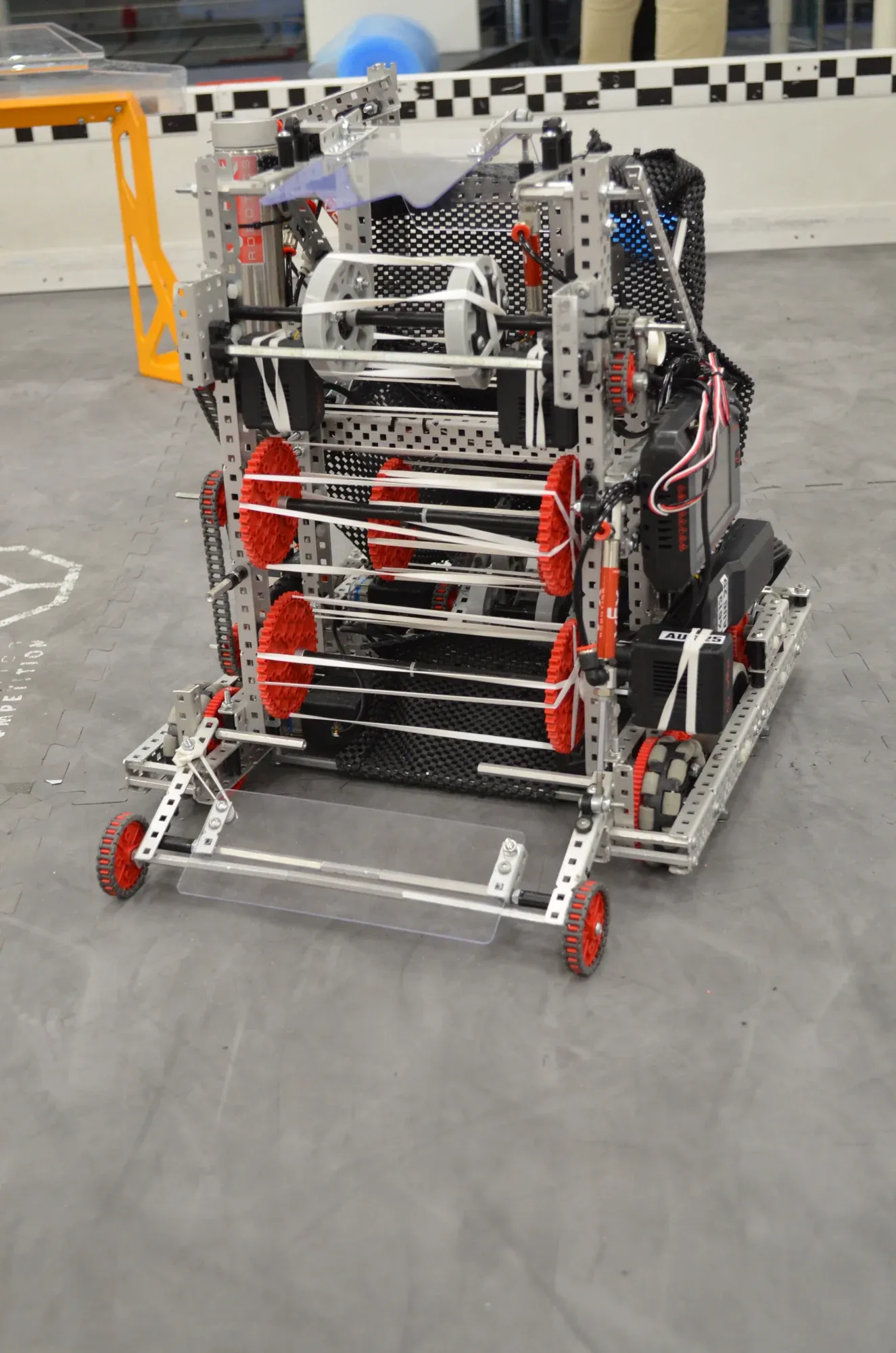
    2. A VEX V5 robot with red wheels and a white intake, sitting on a grey floor.

      02

      Nationals robot

      We kept the same idea and built it properly, and it did a lot better.

    Awards and milestones

    • Design AwardRegionals
    • Build AwardRegionals
    • Innovate AwardRegionals
    • Innovate AwardStates

    What changed

    Rebuilding the same idea carefully did more for us than any new mechanism would have.

  4. Year 9

    2025-26 season

    Selected work

    FTC · DECODE · 11148 Barker Greybacks

    Programming for Houston

    My role Lead student programmer

    This was my first FTC season. The team's original members had moved on to FRC, so Greybacks needed new people, and I joined as lead student programmer, the youngest in our program to compete in FTC. It was also our first season of real autonomous code, on a drive base none of us had programmed before.

    3 robots this season

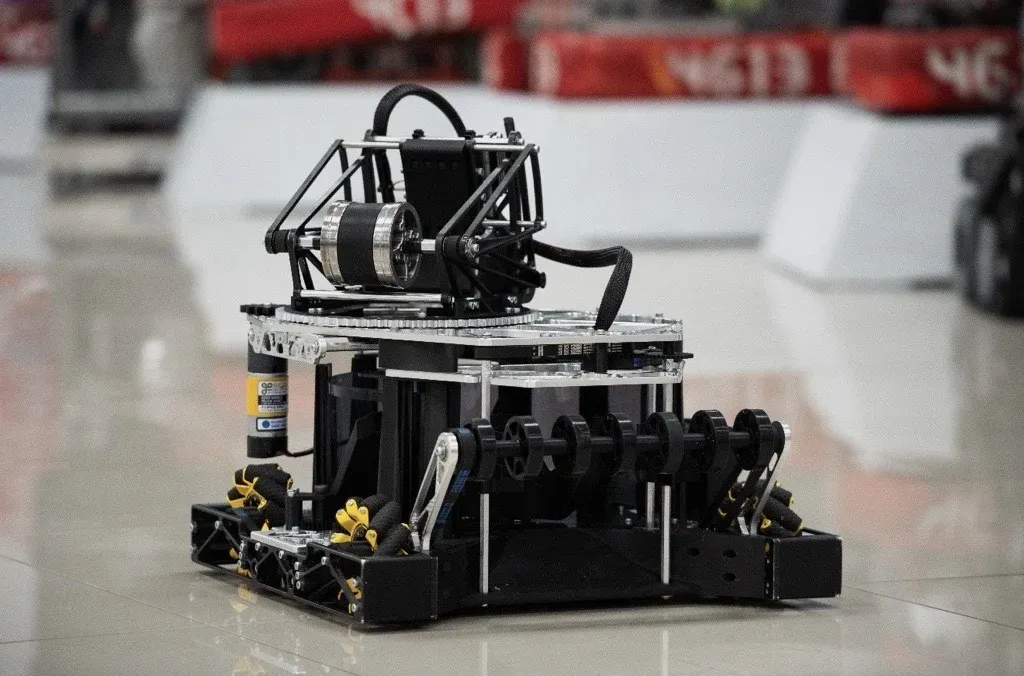
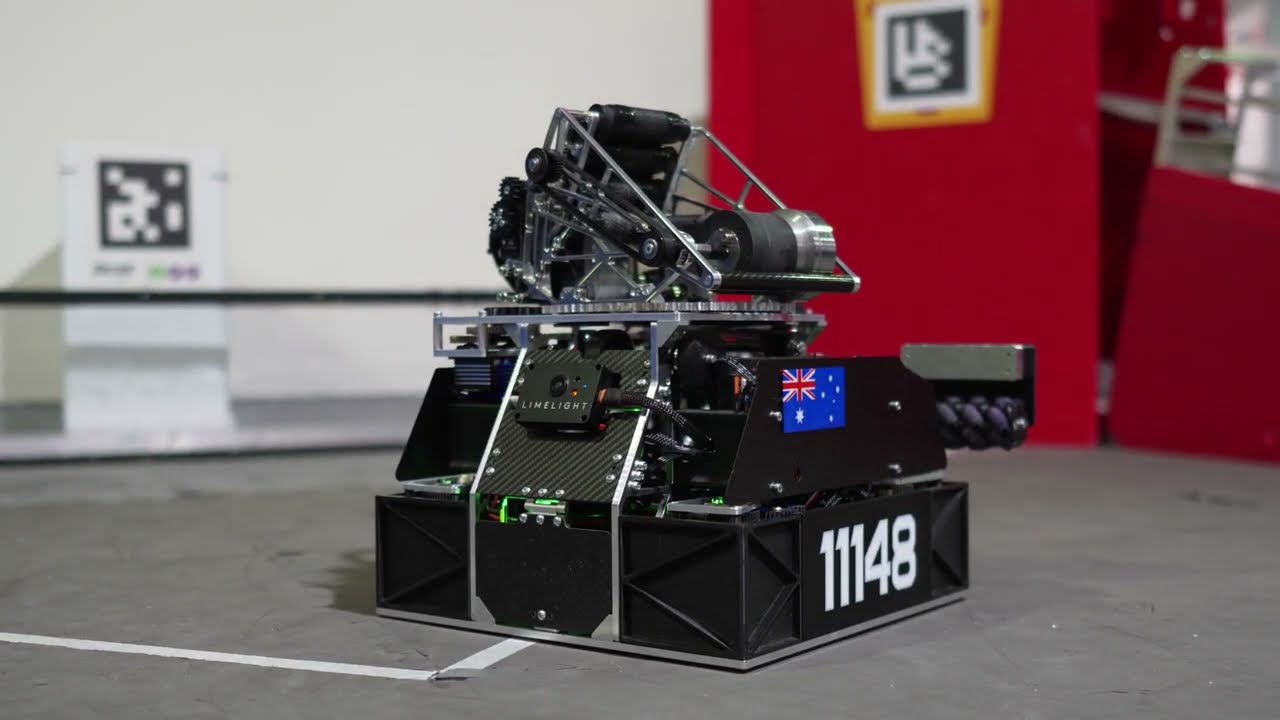
    1. The black FTC robot on mecanum wheels, with its launcher on top, in front of red 4613 banners.

      01

      Nationals robot

      It had a mecanum drive and a rotating magazine that sorted the balls before launching them. This robot won the Australian National Championship.

      I wasn't part of this robot. The old team built it and took it to Nationals before I joined.

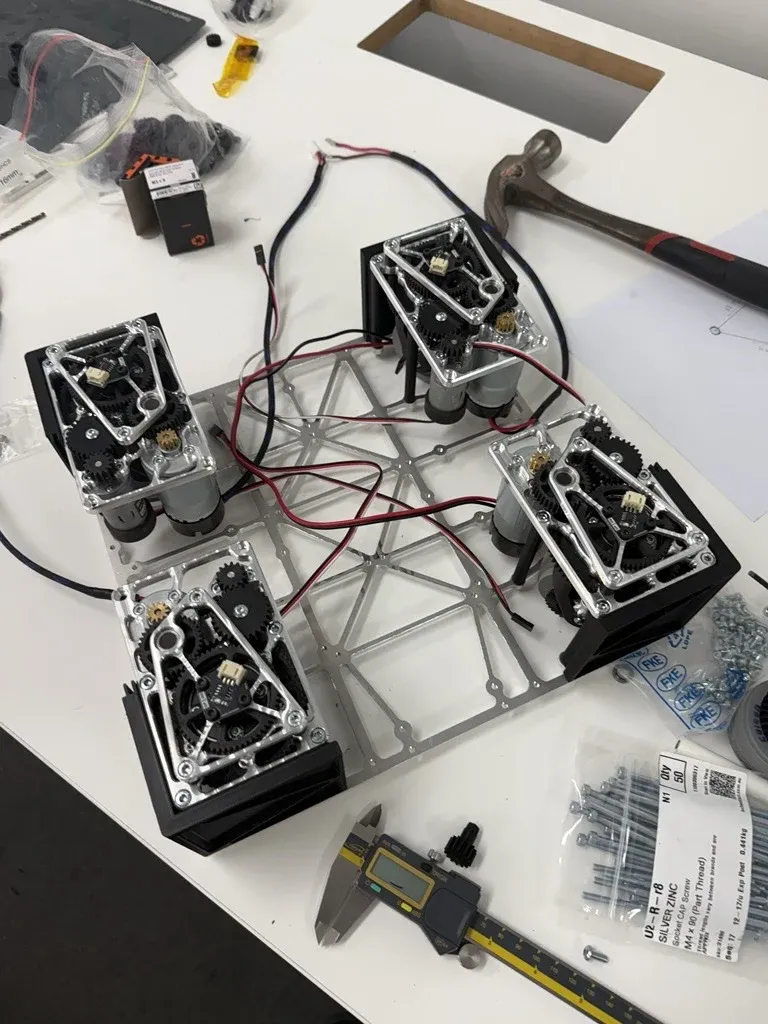
    2. Four swerve modules bolted to a small aluminium plate on a workbench, with wiring between them.

      02

      First swerve robot

      This was a compact swerve chassis. It was too narrow to carry a turret and shooter without becoming unstable.

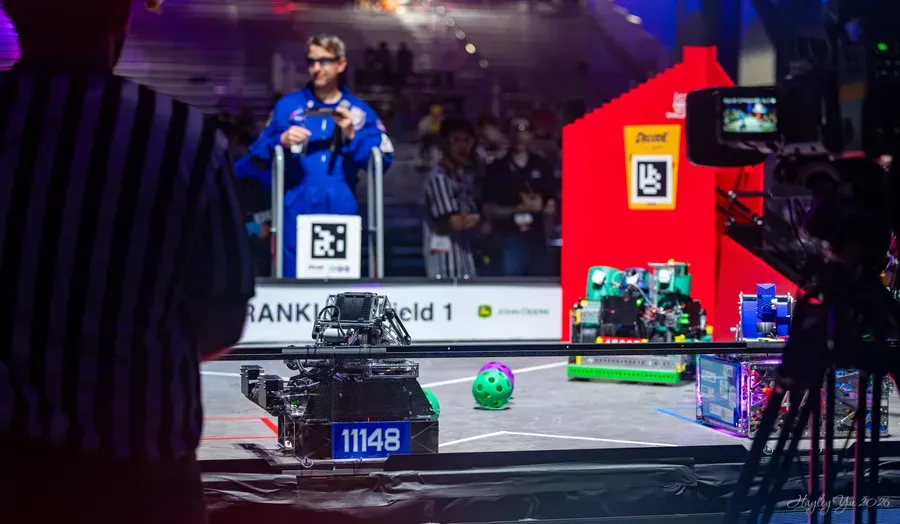
    3. Robot 11148 on the field at the FIRST Championship in Houston, with a referee in the foreground and the DECODE goal behind.

      03

      FIRST Championship robot

      It had a wider swerve base that could carry the turret and shooter. It also had a fast intake, a consistent shooter and a servo turret.

    Example autonomous

    Far zone auto

    Starting from the far zone, the robot shoots, collects, and shoots again for the full 30 seconds, with the turret aiming the whole time. Each collection ends the moment the transfer is full, and each round of shooting ends the moment it's empty, so no time is spent waiting. Whatever it's doing, at 29.2 seconds it stops and drives to park.

    1. Shoot the preloaded balls.
    2. Collect the first row, drive back and shoot.
    3. Make a big curved sweep through the far zone to collect loose balls, then shoot.
    4. Drive straight forward along the wall into the corner to collect, then shoot.
    5. Keep alternating the sweep and the straight drive until time runs out.
    6. Park before the buzzer.

    Video

    Robot reveal

    The team's reveal of the robot we took to Houston.

    Awards and milestones

    • Control Award, 1st placeFTC Australia Pacific Open Championship
    • Competed at the FIRST ChampionshipHouston, USA

    What changed

    A new drive base is mostly tuning. Nearly every step forward came from measuring what the robot was really doing and fixing one problem at a time.

    Working towards Houston

    Teaching a swerve robot to drive itself

    1. 01 Joining Greybacks

      Jan 2026

      Taking over the code

      The original Greybacks members had moved up to FRC. I joined as lead student programmer, and my first commit on 5 January was the logic for the ball magazine.

    2. 02 Swerve drives

      Feb 2026

      Getting the wheels to agree

      Work on the swerve code began on 14 February. The robot drove in auto for the first time on 25 February and made its first proper turn the next day.

    3. 03 A bigger chassis

      Mar 2026

      From compact to stable

      Any weight mounted high on the compact chassis made it unstable. On 29 March we moved to the final robot, spreading the modules from about 21 cm to 26 cm apart for a wider, steadier base.

    4. 04 Match autos

      Apr 2026

      Eight autos before we flew out

      I wrote autos for the near and far starting positions, with and without the third row, mirrored for red and blue. I retuned the steering offsets twice along the way as the robot changed.

    5. 05 Houston

      Late Apr 2026

      FIRST Championship

      With so little time before Houston, we hadn't caught every issue that could come up on the robot. At the competition we ran into problems we had to fix between matches, which cost us.

    Getting swerve to drive

    I had never done swerve before. On a swerve robot every wheel can turn to point in any direction, so the code has to work out an angle and a speed for each wheel. My mentor walked me through the maths, and we built the drive code together.

    The small test chassis on one of its first drives
    An early close zone auto, while the swerve was still being tuned

    Getting it to drive straight took weeks. Motors were wired backwards, wheels spun the long way round, and every wheel’s starting angle had to be measured and set. I fixed them one at a time until the robot did what we asked.

    How the autonomous works

    Each auto is a set of curved paths drawn on the field. The path library we used was made for a different kind of drive base, so I added a layer that turns its instructions into ones the swerve wheels understand. Then I tuned it until the robot followed the paths smoothly.

What's next

Our biggest struggle with swerve was consistency, because the robot didn't always finish a path in the same place. For the new FTC season we're investigating the alternatives and developing our own path-following library, built for swerve from the start.